Panasonic SC-AK25 Manuale Utente
Navigare online o scaricare Manuale Utente per Impianti HiFi Panasonic SC-AK25. Panasonic SC-AK25 User Manual Manuale Utente
- Pagina / 36
- Indice
- RISOLUZIONE PROBLEMI
- SEGNALIBRI

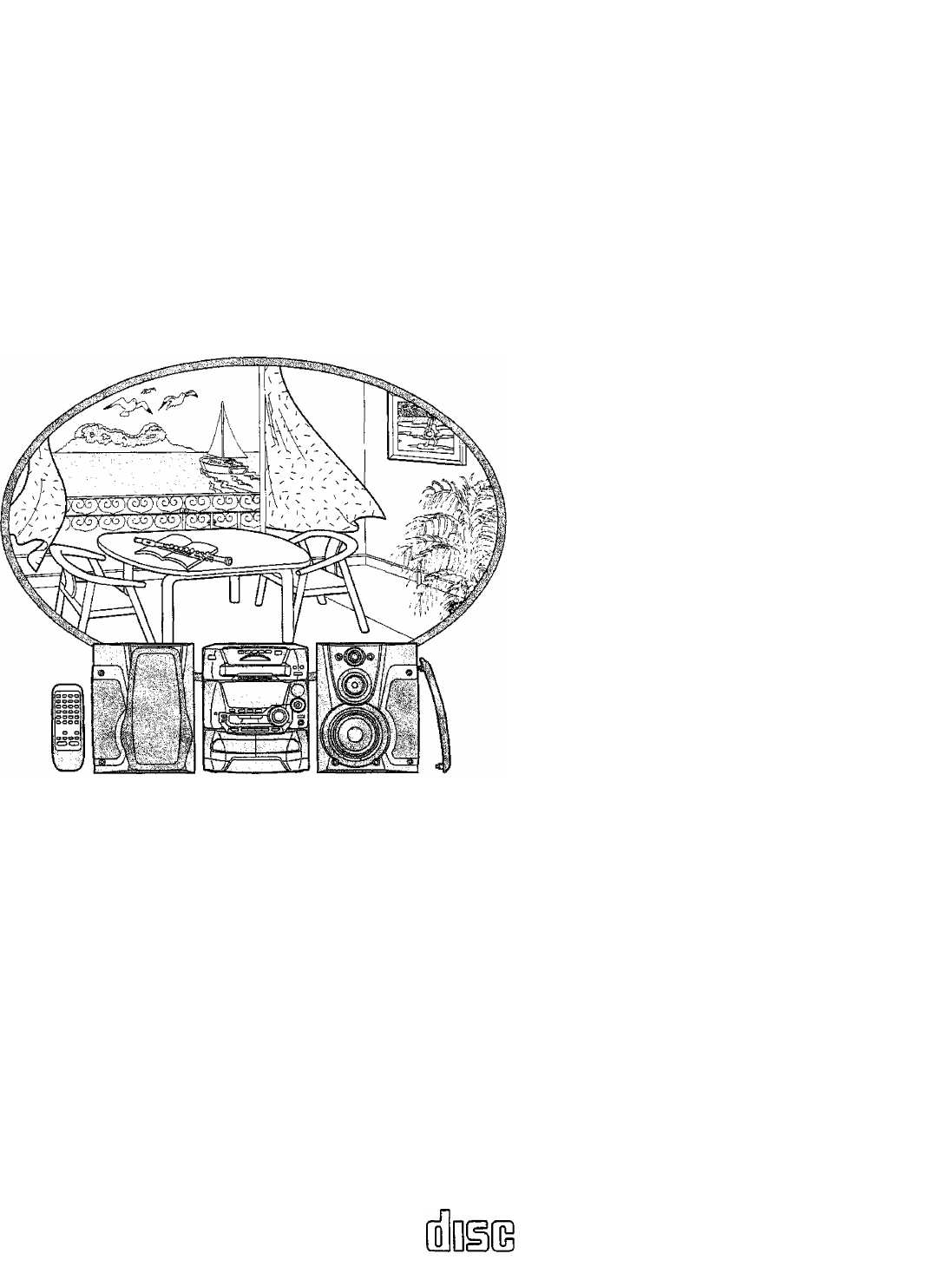
- Operating Instructions 1
- Dear customer 2
- of confenfs 3
- (For United Kingdom) 4
- contro/ 5
- Conneefsom 6
- 7
- Front pane! controls 8
- ►►/►►!) 9
- Demd function m 10
- Pressing radio Broadcasts 11
- Listening to radio broadcasts 12
- OPENfCLOSe 13
- I c, u p-c p 13
- I O I (_r_f L 13
- 7J 8J9) 14
- Listening fo compact discs 15
- J.I i'~ U U i_ 16
- Ustémhg fo eómpacf discs 17
- Usfenihg to tapes 18
- (TPS: Tape Program Sensor) 19
- I f > >— (_( _ u 20
- (Beat proof function) El 21
- Recording from compact discs 22
- /■ in 71 T <“ 1“ 22
- _l i _i f (_(■_/ t_ 22
- ; Befpreirecidrdi hgi; 23
- To stop recording 23
- Tape-l'o-tape recording 24
- Boosting the super woofer m 25
- To release the equalizer 26
- ® MANUAL 27
- Using the timer 28
- (Isfngf ffie timer 29
- 'ON" time setting 29
- "OFF" time setting 29
- Source selection 29
- Using an extemal unit Ш 31
- Cónven/enf functions 32
- FUOQMItCyjyt fífítkT RANOeti 32
- Concerning CDs 33
- Concerhing cassette topes 33
- Troubleshooting guidé 34
- Ma/nfenance 35
- Technkaf spedfkations 36
Sommario
CD $fere& SystemSC-AK45SC-AK2Sram^onic*Operating InstructionsThe illustrations show SC-AK45.EB EECOMPACTDIGITAL AUDIO..Note: .The “EB” indication
Demd function mT) C «‘I n JL.> U > I UWhen the demo function is activated, a demonstration of the spectrum analyzer using space
Pressing radio BroadcastsBANDI It ifr* I I8 1.30TUNE MOO\%I. >1 o I' I t I O I I I I I I >1 U > I u• Up to 12 stations can
Listening to radio broadcastsBAMD i TUNERJ” /1 >1 O ~i >~i>11 f_f ). _f L.Ìt i \O i~ i~ r~ r~ n C lì I—»It n h I I t n I I I ) I ) i
Lisfemng fo compact discsLabel must face upwardDisc numberNumber of tracksOPENfCLOSeI c, u p-c pI O I (_r_f L.Disc number Totai playing timeAlways
Listening to compact discsUUKUltU7J 8J9) lojiijiajs-Press CD.The power will come on automatically.Insert CDs in the trays.(For details, see page 13.)
Listening fo compact discs¿rdJóU_ I t I O >’ f ‘ d . ^r I ) M tf U L,,^ ¿rcfj¿ r'"- 6“66£5 4ÓÓÓÓ ...bn n-n IU U&a
Listening to compact discsCD%U JL.PROGRAiA%nuSpecified track number'at ju6*6J6 6-S65 6*iiSpecified track number nc I...f-'Program ord
Ustémhg fo eómpacf discsI) ) r >~i-n oI I U U U L. C|'rfl' r V1''’.- i Tóí’lisiil:h tb: specia1 CDs('Qi.nid tnackiSfV
Usfenihg to tapesType of tape which can be played correctly:The unit automatically identifies the type of tape.NORMAL POSITION/TYPE 10HIGH POSITIONATY
tfsfening to topesTo fast-forward or rewind the tapePress K</« or in the stop mode.Tape directionTo rewind To fast-forwardi«/«To find the beginnin
Dear customerThank you for purchasing this product.For optimum performance and safety, please read these instructions carefully.These operati
c.9« zI0>IIetmn i~I f > >— (_( _ uBefore recording (Deck 2 only)Types of topes which con be recorded correctlyThe unit automatically identi
Recording from radio broadcastsPress DECK 2 ^ OPEN and insert the tape.Close the holder by hand.Tape direction is automatically set toExcept SG-yiK25i
Recording from compact discsC.0s0)% O).C"SoDECK 2Tape direction[ D0LBYj;iH2□□NRo _ or" T?/ in 71 T <“ 1“»'!(_( ^ J. t_©Press DECK
Frontside f12 34 5Rec6t’ding h'pm compact discsReverse sideThe interrupted track is re-recorded in its entirety on the reverse side.This fu
Tape-l'o-tape recordingThe recording level and the Dolby effect will be recorded as they are on the tape being played back.Press TAPE
Using the built-in sound quality/ sound field settingsHEAVY DISCO CUEAH UVE SOFT HALLH»VT Men* '1 t r n 1 J ' ' i_ / f . » 100HI . .
Varying the spund quality withthe acoustic image (Al) equalizerThe Al equalizer uses the SOFT, SHARP, HEAVY and LIGHT sound quality coordin
Vdryihg the sound quqiity withthe manudi equoiizerPress SOUND EQ joystick to turn on the equalizer.The SOUND EQ lamp lights more brightly, and "F
Using the timerSelect this timer when you want to use the timer as an alarm clock. You can wake up listening to music (CD, tuner, tape or aux) at a de
(Isfngf ffie timer. .U’iingi:№^eSelect this timer when you want to use the timer to record a midnight program or while you are out.Prep
Table of confenfsSupplied accessories... 2Suggestions for safety...
Using the timerTo switch the timer OFFPress ® PLAY/© REC and check "® PLAY” (for play timer) or “® REC” {for record timer) goes out.If
Using the timerThis timer turns power to your system OFF at the set time (Max. 2 hours, settable at 30 minutes interval. It lets you fall asleep liste
i&IIn the off mode no spectrum analyzer will appear.Cónven/enf functionsOne-touch ploy ElWhen the system is on standby, playing starts aut
Concerning CDsWith this system, you can only play CDs having this mark.However, do not use irregular shape CDs (heart-shape, octagonal,
Troubleshooting guidéBefore requesting service for this unit, check the chart below for a possible cause of the problem you are exp
ProblemProbable cause(s)Suggested remedyReferencepage(s)When there is a television set nearbyThe picture on the TV disappears or stripes appear on the
Technkaf spedfkationsAMPLIFIER SECTIONRMS power output THD 10%, both channels driven100 W per channel (60) 1 kHz continuous power output THD 1%, both
Caution for Ac Maim Lead(For United Kingdom)(“EB” area code model only)For your safety, please read the following text carefully.This appliance is su
Cqsìcemmg the remote contro/Use of baíi^eríesInsert the batteries observing the correct polarities {+, -)M(Left)(Right)Super wooferL«Do not mix ol
ConneefsomFor Australia and NewZealand For othersAdhesive tape FM indoor AntennaAntenna holderFor Australia and NewZealandT-pFM ANT- ip I gNO TS nAM l
ConnectionsFor Australia and NewZealandFor othersFM outdoor antenna : (not included)For Australia and NewZealandAM outdoor antenna (not included)
Front pane! controlsMain unit □No. Name Ref. page© Power “STANDBY ci)/ON” switch(POWER, STANDBY (!)/ON)... 10Press to switch t
Front panéi controlsMain unit (continued) ^No. Name Ref. page©Display select/demonstration button (-DISPLAY/-DEMO)....... . 10,32
Prodotti e manuali riguardandi Impianti HiFi Panasonic SC-AK25
 (36 pagine)
(48 pagine)
(36 pagine)
(40 pagine)
(32 pagine)
(36 pagine)
(48 pagine)
(36 pagine)
(40 pagine)
(32 pagine)
© 2020, manymanuals.it. Tutti i diritti riservati | 0.056 s |
 Manymanuals.com
 Manymanuals.de
 Manymanuals.fr
 Manymanuals.it
 Manymanuals.pl
 Manymanuals.cz
 Manymanuals.es
 Manymanuals-pt.com
Commenti su questo manuale